Bring the questions you already wrote
Upload an Excel or CSV file, or paste straight from Excel, Google Sheets or Word. Yippito finds the columns, builds the questions, and opens them in the editor for you to check before anyone plays.
How it works
- 1
Upload or paste
Choose an .xlsx, .csv or .txt file, or paste rows from a spreadsheet or a numbered list from a document.
- 2
Check what came in
Every question is shown before it is added. Anything that needs a look — a picture to add, a missing answer — carries a note.
- 3
Host it live
The questions open in the builder. Add pictures, change the timers, then start a game with a PIN and a QR code.
It reads the templates you already use
The importer looks for the column headings, not for one fixed layout, so the spreadsheet templates people fill in for Kahoot, Quizizz, Blooket and Gimkit read as they are. Your own sheet works too, as long as it has a question column and its answers.
A pasted table from Excel or Google Sheets keeps its columns. A pasted list from Word — a question, then its answers, with the right one marked — is read as a list.
Every type it can make
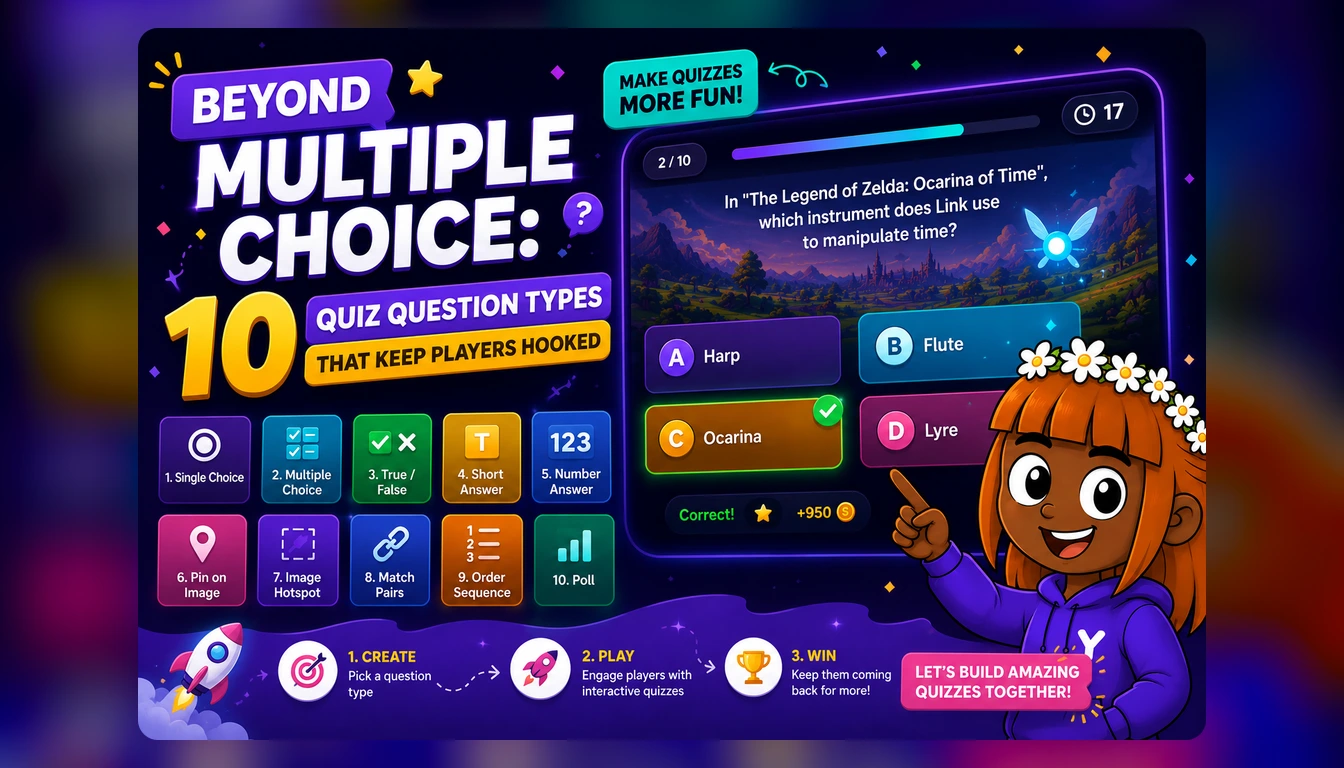
Single and multiple correct answers, true or false, typed answers, number answers, polls, ordering, matching pairs, buzzer questions and fill-in-the-blanks all come in as themselves. Hotspot and pin questions come in with their text, and the builder asks you for the picture and the spot.
A type Yippito does not have is never dropped or changed silently: it comes in as the nearest type with a note naming the type in your file, so you can decide what to do with it.
Your questions, untouched
Importing involves no AI. Your wording stays your wording, and nothing is saved until you save it in the builder.
An old .xls file or a .docx document cannot be read directly — save the sheet as .xlsx, or copy the text and paste it in.
What you get
Excel, CSV and pasted text
.xlsx, .csv, .tsv and .txt files, or a paste from Excel, Google Sheets or Word.
Templates read as they are
The Kahoot, Quizizz, Blooket and Gimkit spreadsheet templates are recognised by their headings.
Notes, not surprises
Anything the importer could not finish — a picture, an answer, a long timer — is marked for you.
No AI, no rewriting
Your questions come in exactly as you wrote them.
Questions people ask
Can I import my Kahoot quizzes?
If you have them in Kahoot’s spreadsheet template, yes — the importer reads that template as it is. Kahoot has no export of a finished quiz, so a quiz that only exists inside Kahoot has to be copied out first.
Which files work?
Excel .xlsx, .csv, .tsv and .txt, or text pasted from Excel, Google Sheets or Word. Old .xls files and .docx documents need to be saved as .xlsx or pasted in.
Does it change my questions?
No. Importing involves no AI: the wording is yours, and the questions open in the builder for you to check and save.
What about pictures?
Questions that need a picture come in with their text and a note, and you add the picture in the builder.
Is it free?
Yippito is in a free public beta: every feature is unlocked, games take up to 300 players, and there is no card to enter.
Keep reading
Bring your questions in
Upload the file you already have and host it live in a few minutes.
Try it free