A team quiz people actually want to play
Put the game on the meeting-room screen, or open an online room where everyone plays from their own place. The AI writes the questions from a topic or from your own documents, and the room wears your company’s logo and colours.
How it works
- 1
Write it in minutes
Give the AI a topic, or your onboarding notes, a policy PDF or a product page, and edit the draft it writes.
- 2
Choose how people play
Together on a big screen in the office, or online — each person on their own phone, wherever they are.
- 3
Play and crown a winner
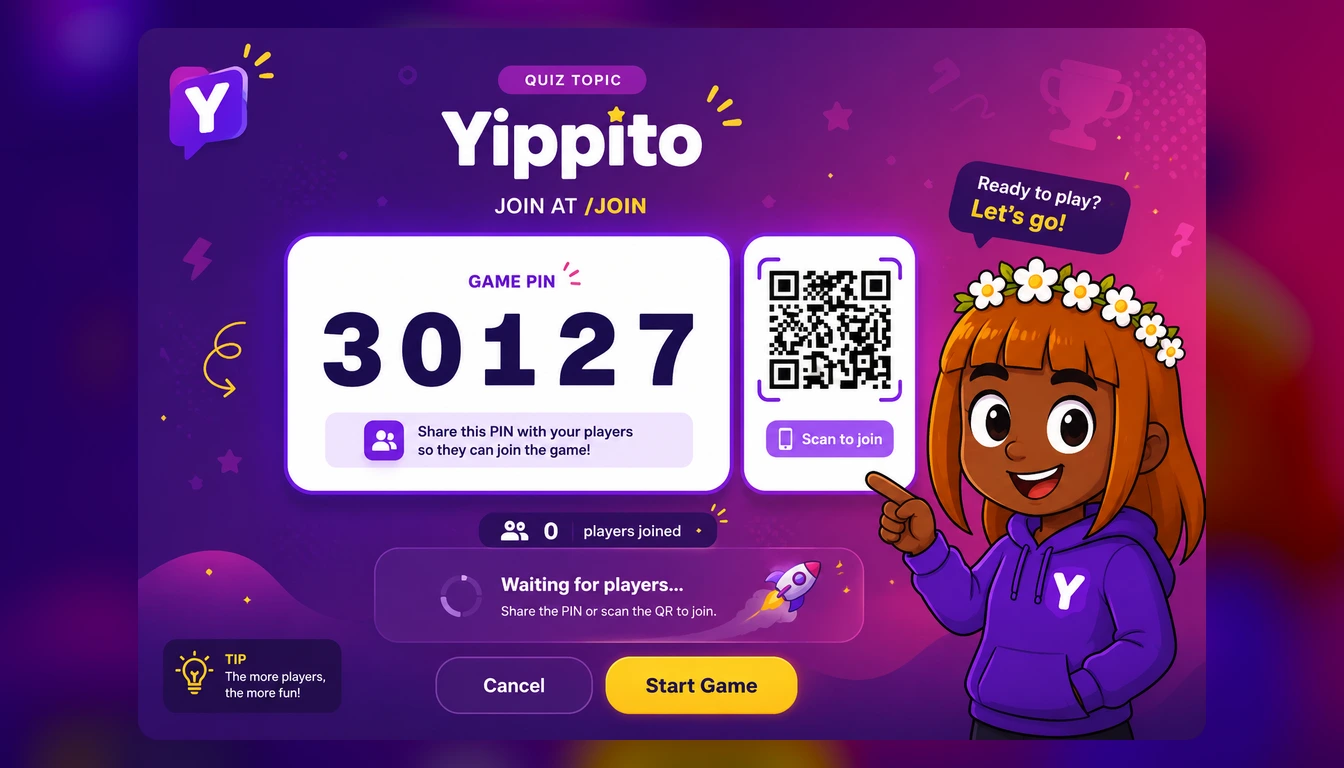
People join with a PIN, no accounts. The leaderboard runs between questions and the finale crowns the top three.
In the room or online
In the office, the host’s screen shows the questions and the phones are the answer pads. For a remote or hybrid team, an online room puts the whole game on every phone — the question, the video and music, the podium at the end — so nobody needs to share a screen.
Either way, nobody installs anything or makes an account: people join from the phone’s browser with the PIN, pick a name and a face, and are in.
From fun to useful
A Friday quiz on films and music is a few minutes to make. The same tool can turn your own material into a round — the onboarding handbook, a new product, a safety policy — because the AI writes from the text you give it and only asks about what is in it.
Polls and rating scales have no right answer, so a quiz can end with “what should we do next quarter?” and show the room’s answer on the screen.
Looks like your company
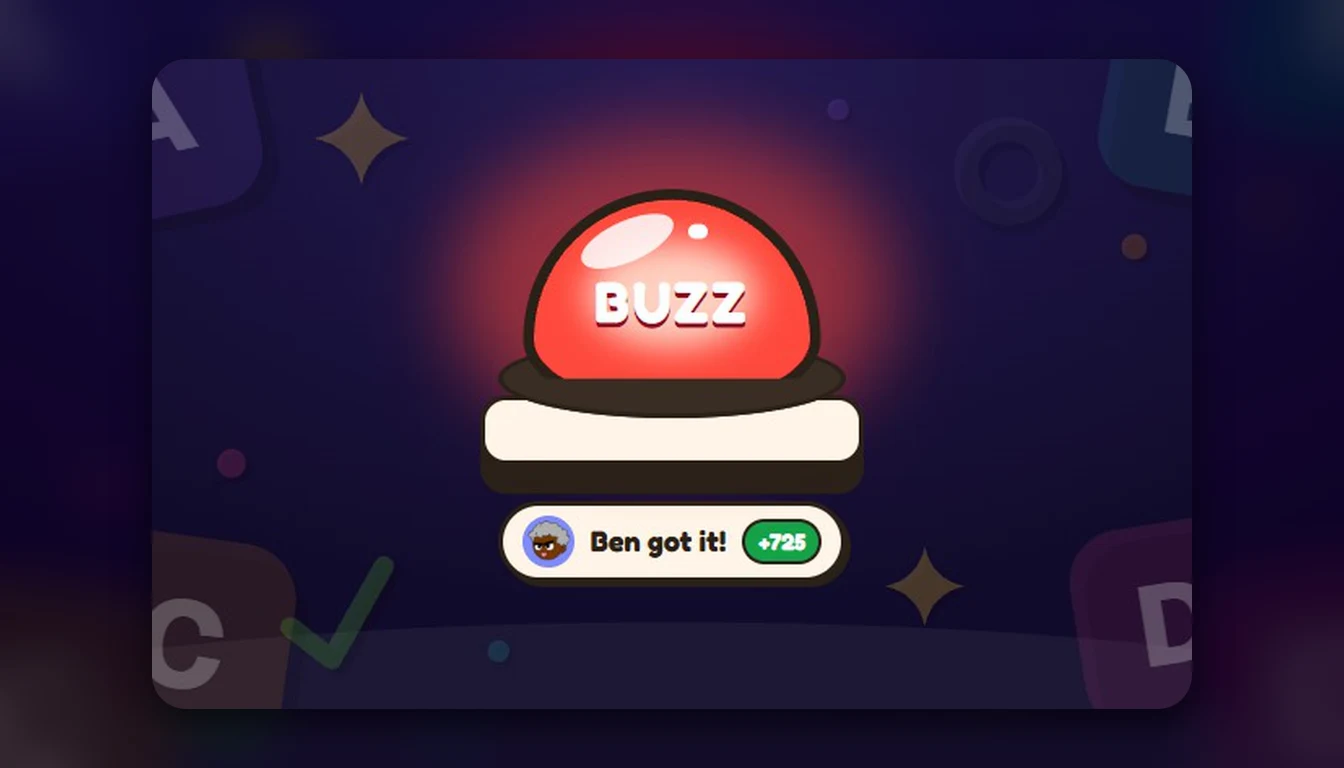
Save a theme with your logo, a background picture and your colour, and any quiz wears it with one press. Split a longer game into rounds, each with its own name and background, and add a buzzer round for the moment people talk about afterwards.
For a quiz the team plays every week or month, a league keeps the running standings across games.
What you get
Office screen or online
One big screen with phones as answer pads, or an online room with the whole game on every phone.
Your logo and colours
A saved theme puts your brand on the lobby, the questions and the finale.
Questions from your docs
Paste notes, drop in a PDF or link a page, and the AI writes the questions from it.
Up to 300 players
Enough for a whole department or an all-hands, with no accounts for players.
Questions people ask
Can remote colleagues play?
Yes. Open an online room and everyone plays on their own phone from wherever they are; each phone shows the whole game, so there is no screen to share.
Do people need to sign up?
No. Only the host needs an account. Players join with the PIN or the QR code and pick a nickname.
Can we add our company logo?
Yes. Save a theme with your logo, background and colour, and put it on any quiz with one press.
How many people can play?
Up to 300 players in one game.
Is it free?
Yippito is in a free public beta: every feature is unlocked, games take up to 300 players, and there is no card to enter.
Keep reading

Plan the next team quiz
Pick a topic or drop in a document, and have the game ready before the meeting.
Try it free