A music quiz where the song is the question
Paste a Spotify link, a YouTube clip or your own audio into a question. The music plays on the big screen, the title stays hidden, and the room answers on their phones — first to know scores most.
How it works
- 1
Add the song
Paste a Spotify track link or a YouTube video into a question, or upload an audio file, and trim a clip to the seconds you want.
- 2
Hide the answer
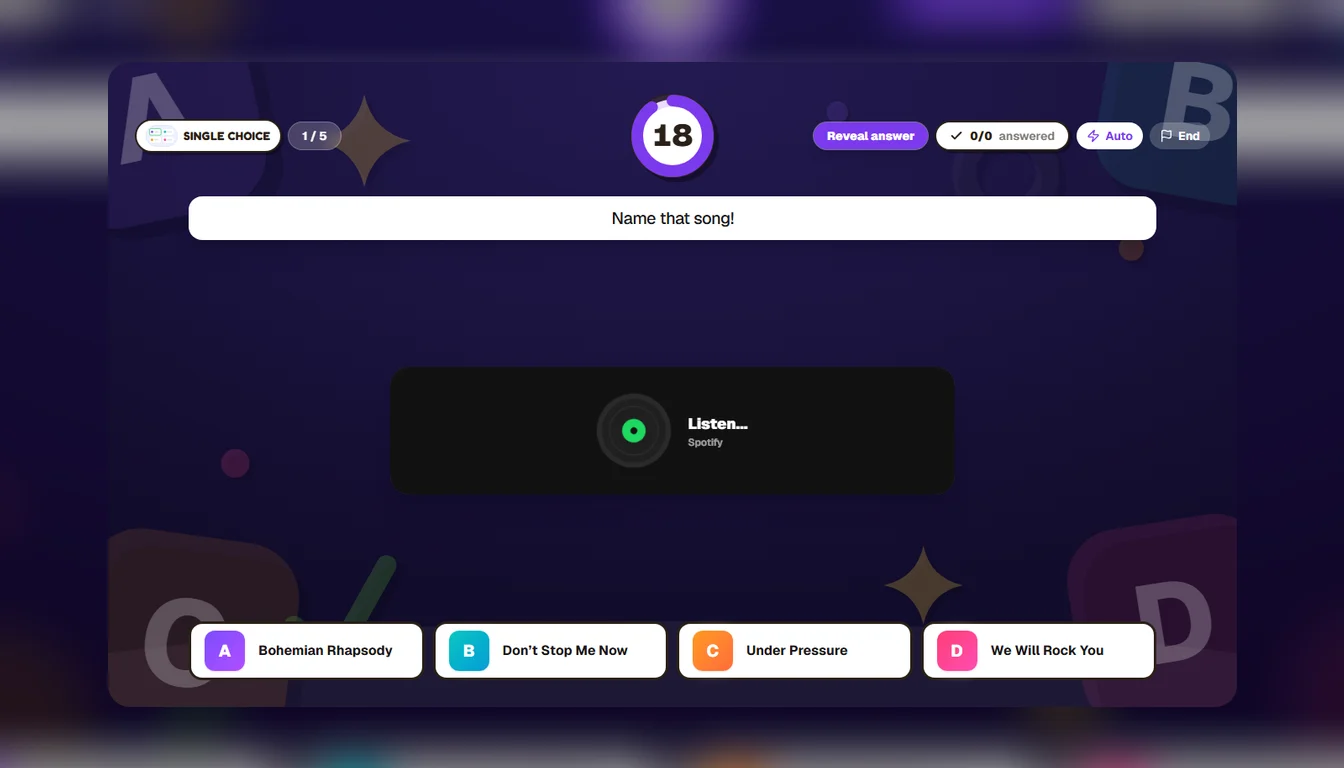
Tick “Hide the track” and the big screen shows a spinning record instead of the title, the artist and the cover.
- 3
Play it live
Everyone joins with a PIN on their phone. Faster right answers score more, and the leaderboard runs between songs.
More than “name that song”
Four song titles and one right answer is the classic, and it works. But the same track can carry other questions: an open answer where players type the artist (add the spellings you will accept, so “Beatles” and “The Beatles” both count), a slider where they guess the year it came out and score by how close they land, or a true-or-false about the song.
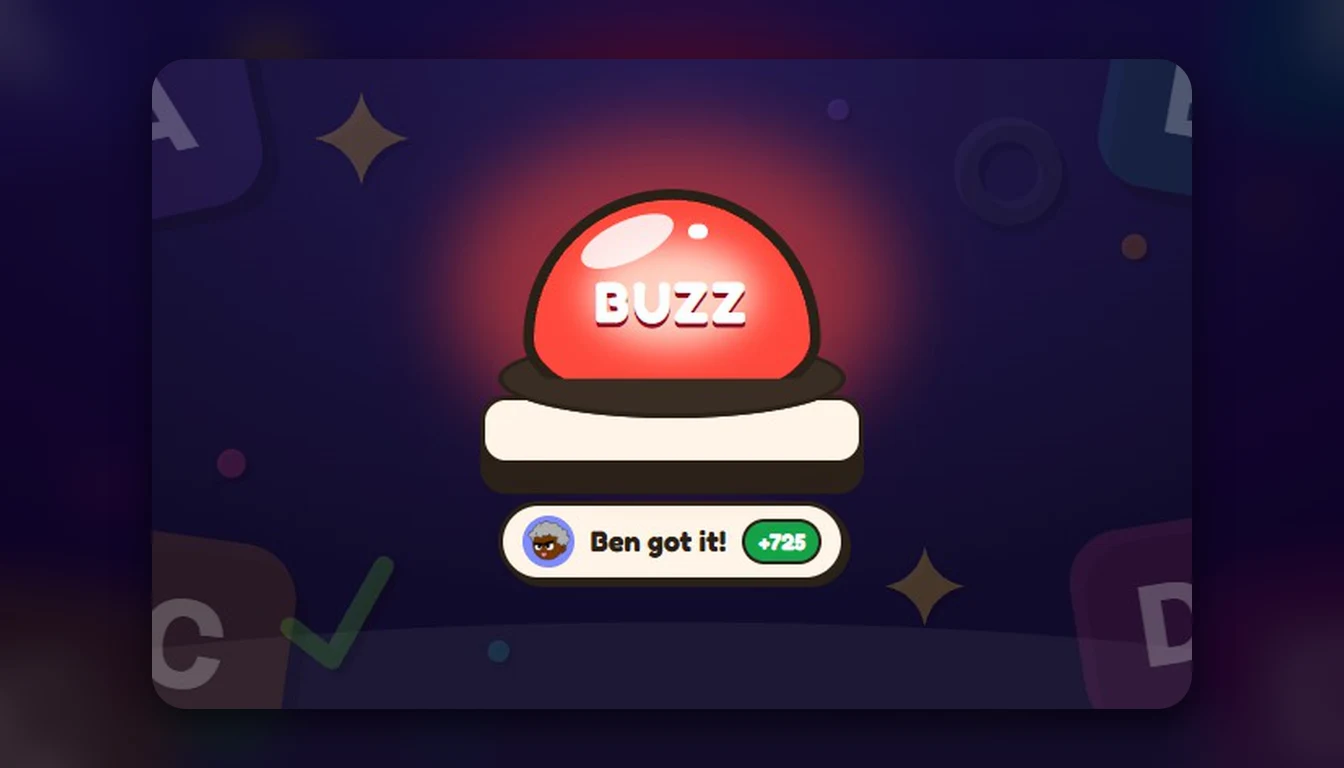
With a buzzer question the options stay hidden: the first phone to press gets to answer, and a wrong answer passes the turn on. With music playing, it is the closest thing to a TV music show.
Where the sound comes from
In a room, the music plays on the host’s screen, so the speakers are the only setup. In an online room, where everyone plays from their own place, the song plays on each phone instead.
Spotify plays the whole track when the browser on the big screen is signed in to Spotify Premium; otherwise it plays Spotify’s own 30-second preview, and Spotify picks which 30 seconds. A YouTube clip or your own audio file plays exactly the part you trimmed.
A whole music night
Split the quiz into rounds — the 80s, film soundtracks, one-hit wonders, Christmas number ones — each with its own name and background, announced on the big screen as it starts. The AI can write the questions around the songs too: ask for a round on 90s pop and add the tracks to the questions it writes.
What you get
Spotify, YouTube and audio
Paste a link or upload a file. Clip trimming plays only the seconds you chose.
The title stays hidden
The big screen shows a spinning record instead of the track, so the only clue is the music.
Five ways to ask
Pick the song, type the artist, slide to the year, true or false, or race for the buzzer.
Up to 300 players
Everyone answers from their own phone with a PIN — no app, no accounts. Free in beta.
Questions people ask
Do I need Spotify Premium?
No. Without Premium, Spotify plays its own 30-second preview of the track, which is usually enough to name it. With Premium signed in on the big screen, the whole track plays. A few tracks have no preview, so press Preview once before the night.
Can players see the song title?
Not when you tick “Hide the track”: the big screen shows a spinning record instead of Spotify’s player, and the phones show only the question and the answers.
Can I use YouTube or my own music files?
Yes. Paste a YouTube link or upload an audio file, and trim the clip to the exact seconds you want to play.
Does it work online?
Yes. In an online room each person plays from their own place, and the music plays on every phone.
Is it free?
Yippito is in a free public beta: every feature is unlocked, games take up to 300 players, and there is no card to enter.
Keep reading

Got a playlist? That’s a music round.
Paste the songs into a quiz and have the music round ready before the night.
Try it free